Screenshot any page - past or present.No ads, banners or chat widgets.
Screenshot current pages without ads, or travel back to capture any site's history.
Trusted by people working at


Smart features for flawless screenshots
Everything you need — from full-page capture to custom tweaks and clean outputs.
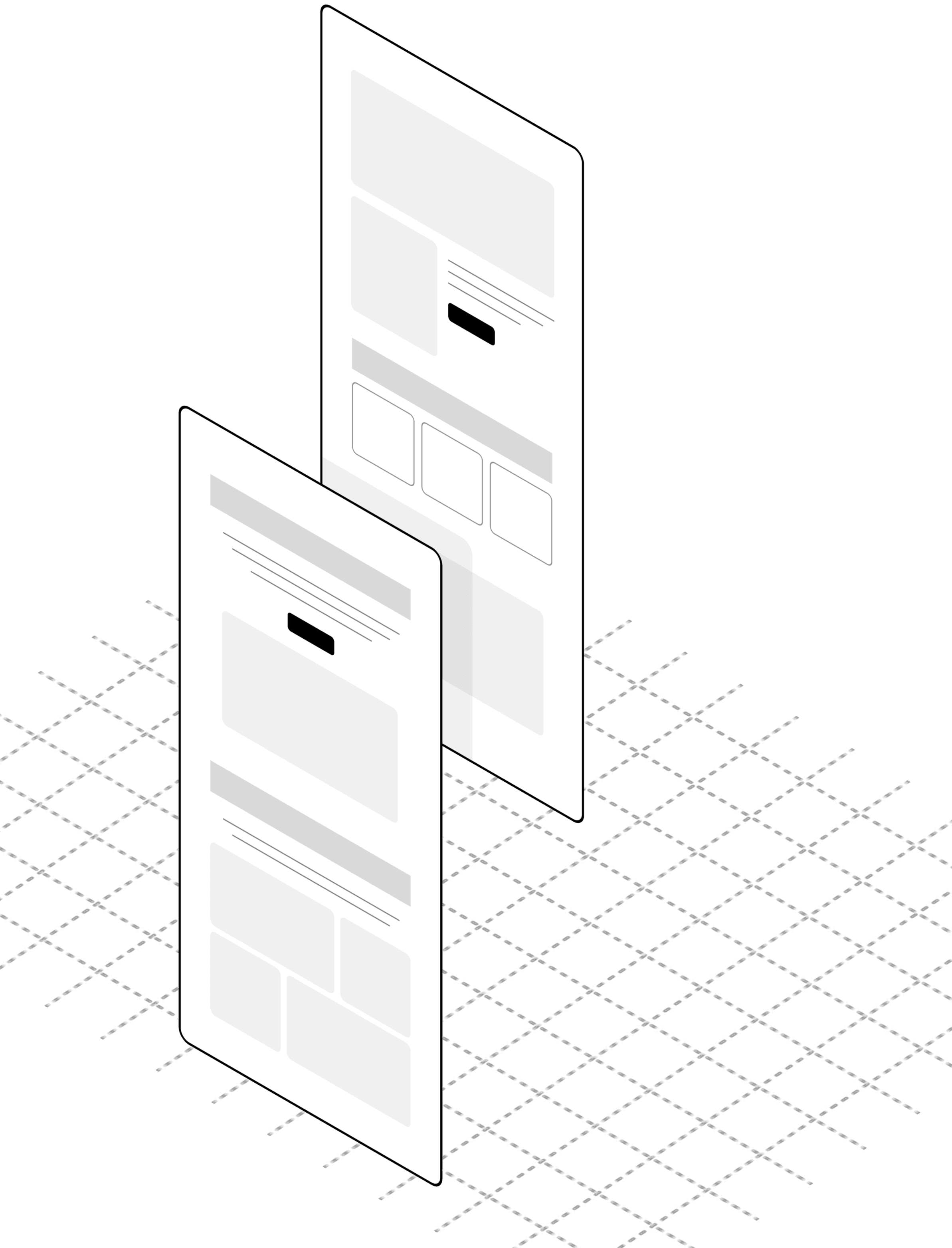
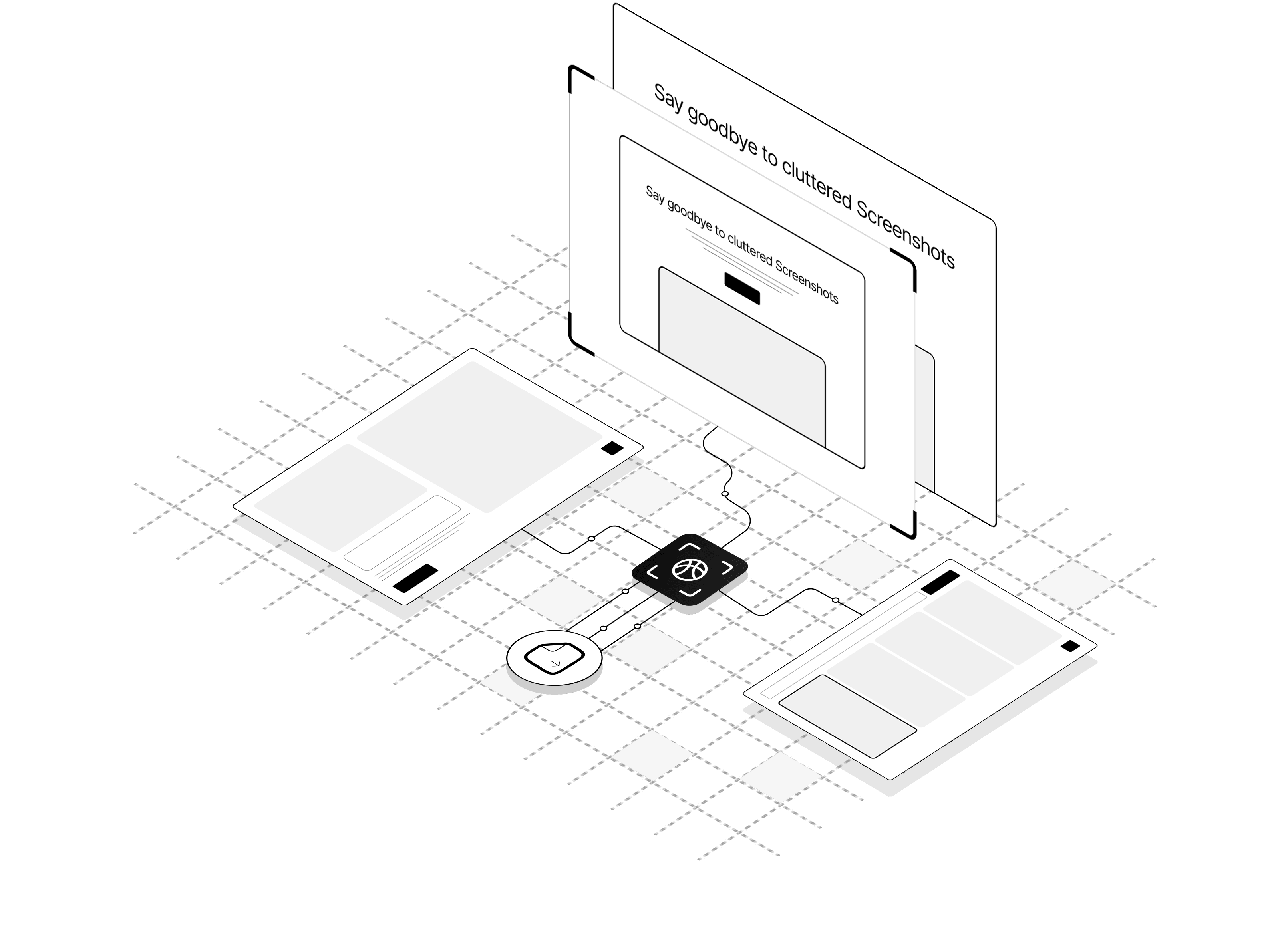
High-quality full-page screenshots
Capture the entire webpage — pixel-perfect and scroll-free.
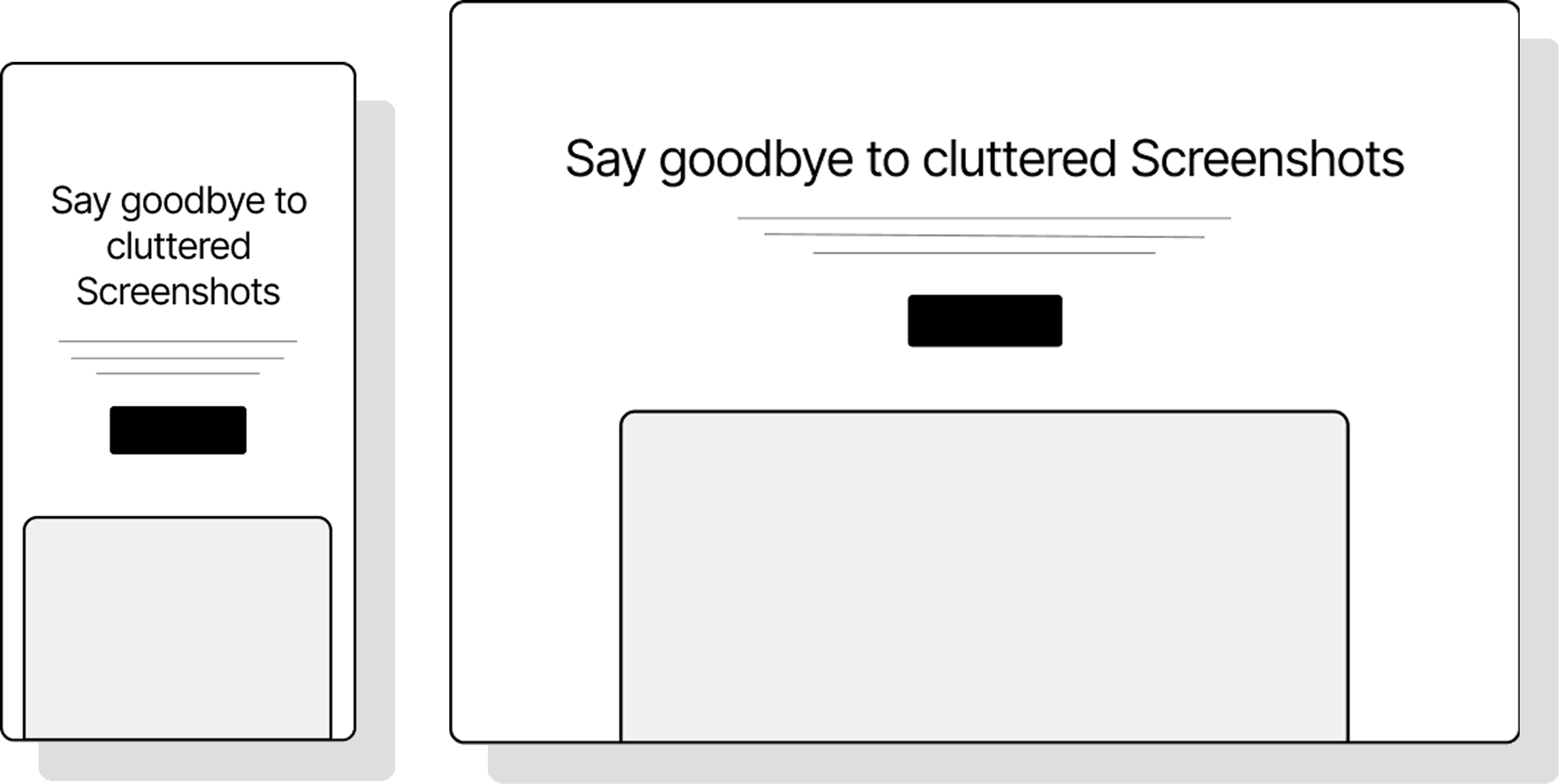
Responsive Screenshot
Capture in Desktop, Tablet, or Mobile view.

Ad & banner blocking
Auto-removes ads, cookie banners, and overlays.

Custom JS & CSS injection
Tweak or clean the page before capture.

Widget removal
Kill sticky chat bubbles and support widgets instantly.

Click & hide elements
Select and hide any unwanted parts.
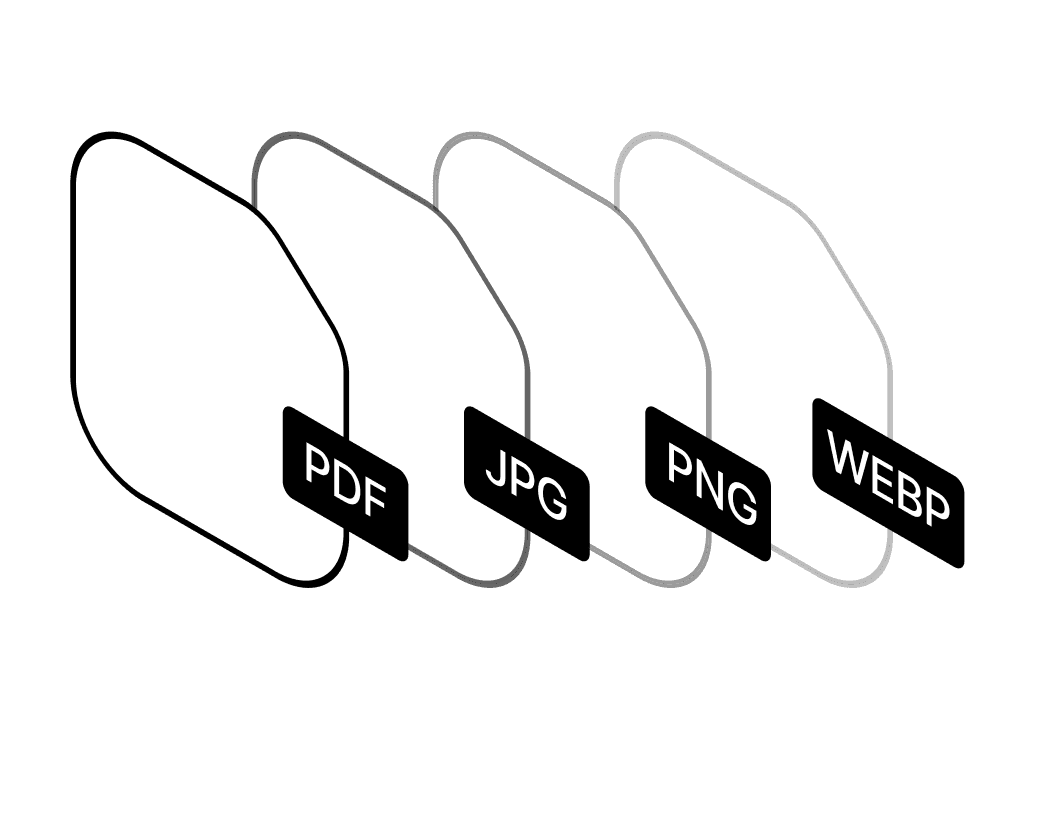
Multiple output formats
Export as PNG, JPEG, WEBP and PDF
Dark mode rendering
Auto-detects and captures dark UI themes.
How it works
Drop any website link into the input field.
Select viewport or full-page, pick a device, resolution and format (PNG, JPEG, WEBP, PDF).
Our engine processes the page with ad blockers, widget removal, and your custom preferences.
Instantly download the output or copy a shareable link.
Made for the people who need
Fast, clean results.
Built to serve developers, designers, marketers, and legal teams
— with flexibility in mind.
Developers
Automate UI states, inject scripts, and capture clean documentation.
Designer
Save UI inspiration, audit visuals or showcase design work.
Marketer
Monitor competitor websites for product/pricing changes.
Legal Teams
Automatically capture screenshots when errors occur for debugging.
Real Use Cases. Real Results.
See how you can use clean screenshots to document faster, present better, and save hours of manual cleanup.
Visual Regression Testing
Automatically capture full-page screenshots of websites daily/weekly to detect visual changes
Uptime Monitoring
Document website availability with visual proof
Content Updates Tracking
Monitor competitor websites for product/pricing changes
Error Documentation
Automatically capture screenshots when errors occur for debugging
See Every Version of a Website.
From Day One to Today
The only mainstream screenshot API that time-travels — real historical snapshots from the Internet Archive, going back years before you signed up. Others only capture the live page.
Simple and transparent pricing
Start free. Upgrade when you need more power.

Free
20 screenshots.
What's Included
Starter
2000 screenshots
What's Included
Pro
Most Popular10,000 screenshots
What's Included
Scale
100,000 screenshots
What's Included
What people are saying about our tool
Real feedback. Real results. Screenshots that actually work.
The real-time sync and customizable workflows have drastically improved our efficiency. Genius has become an essential tool for our business.
I'm impressed by how Genius's deadline reminders and task automation have boosted my productivity. It's an indispensable part of my workflow.
I love how easy it is to prioritize tasks and set deadlines with Genius. It's helped me stay on top of my goals.
Genius's intuitive interface and offline access make managing tasks and collaborating with my team a breeze. Highly recommended!
The real-time sync and customizable workflows have drastically improved our efficiency. Genius has become an essential tool for our business.
I'm impressed by how Genius's deadline reminders and task automation have boosted my productivity. It's an indispensable part of my workflow.
I love how easy it is to prioritize tasks and set deadlines with Genius. It's helped me stay on top of my goals.
Genius's intuitive interface and offline access make managing tasks and collaborating with my team a breeze. Highly recommended!
The screenshot quality and customization options are incredible. It's exactly what our design team needed for client presentations.
Fast, reliable, and easy to use. This tool has saved us hours of work and improved our workflow significantly.
Perfect for creating documentation and tutorials. The multiple output formats make it versatile for all our needs.
Outstanding performance and clean interface. It's become an essential part of our daily operations.
The screenshot quality and customization options are incredible. It's exactly what our design team needed for client presentations.
Fast, reliable, and easy to use. This tool has saved us hours of work and improved our workflow significantly.
Perfect for creating documentation and tutorials. The multiple output formats make it versatile for all our needs.
Outstanding performance and clean interface. It's become an essential part of our daily operations.
Frequently asked questions
Everything you need to know before taking your first screenshot.
Your clean, professional screenshot
is one click away
Export full-page, ad-free captures with dark mode, custom tweaks, and device previews — all in seconds.
